
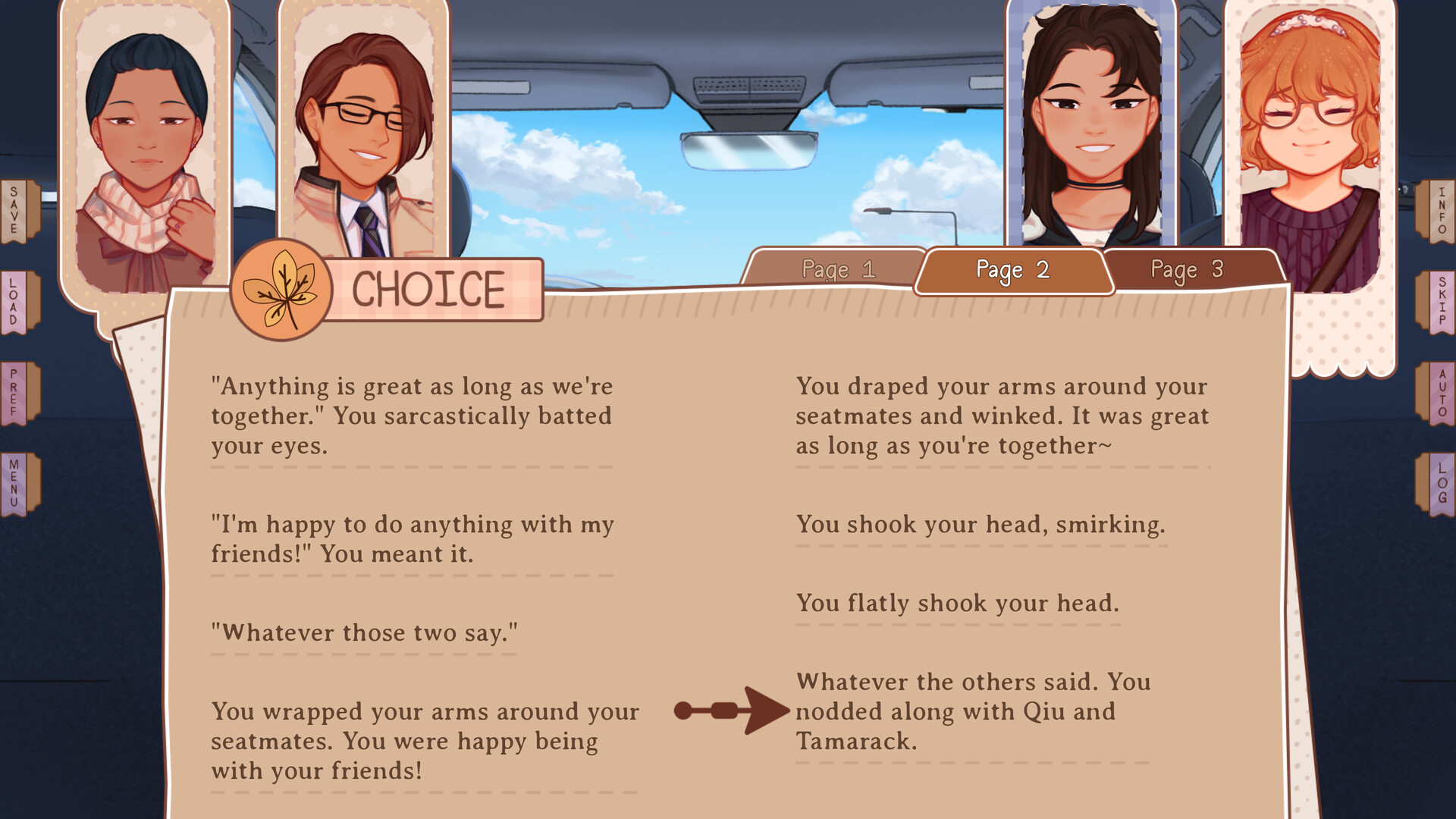
One of the biggest strengths of GB Patch Games' titles is their accessibility. Whether you want to curl up in bed with an Android tablet or smartphone, enjoy pristine 60 FPS battery life on a Steam Deck, or play on a desktop, Our Life: Now & Forever offers seamless native support across five operating systems.
This guide provides verified step-by-step instructions for installing the free Android APK, mapping Steam Deck controls, locating save files, and ensuring maximum performance.
📱 How to Install & Play on Android (APK Guide)
GB Patch Games officially releases dedicated Android APK builds alongside every PC release on their official itch.io page.
Visit the official GB Patch itch.io project page on your Android browser and download the file marked OurLifeNowAndForever-Android.apk. Always ensure you download directly from the official developer to avoid malware.
Open your Android Settings → Apps & Notifications → Special App Access → Install Unknown Apps, and grant permission to your mobile browser or file manager.
Open the installed app. On first launch, Ren'Py will ask to initialize local storage to keep your save games, character customizations, and preferences safe between game sessions.
Android Save Game Location
/Android/data/com.gbpatch.ourlifenowandforever/files/saves/ 🎮 Steam Deck Performance & Recommended Controller Layout
Our Life: Now & Forever is an ideal match for the Steam Deck (SteamOS / Linux). It runs natively via Proton without requiring complex compatibility tweaks and delivers over 6 to 7 hours of continuous battery life at under 5W total system draw.
| Steam Deck Button | Assigned Action | Gameplay Advantage |
|---|---|---|
| A Button / Right Trigger | Left Click / Advance Text | Effortless one-handed reading while relaxing. |
| Left Trackpad / D-Pad Up | Mouse Wheel Up (Rollback) | Swipe upward to immediately re-read previous dialogue lines. |
| Y Button | H (Hide User Interface) | Full-screen immersion to admire scenic autumn background art. |
| X Button | Q.Save (Quick Save) | Instant safety save before testing bilateral stance choices. |
| Touchscreen Tap | Native Touch Interaction | Directly tap dialogue choice buttons and menu options. |
⚙️ Official Hardware & System Requirements
Because Ren'Py is an exceptionally lightweight 2D engine, virtually any computer or mobile device manufactured in the last ten years can run the game smoothly.
- OS: Windows Vista+, macOS 10.10+, Ubuntu 16.04+
- CPU: 2.0 GHz Dual-Core Intel / AMD
- RAM: 2 GB Memory
- Graphics: OpenGL 2.0 / DirectX 9.0c Compatible
- Storage: 2 GB Free Disk Space
- OS Version: Android 5.0 (Lollipop) or newer
- RAM: 1.5 GB RAM recommended
- Architecture: ARM64 / ARMv7 Compatible
- Storage: 1.2 GB to 2.5 GB internal storage
- Display: Any 720p or 1080p touch screen
🔄 Cross-Platform Save Migration
Because Ren'Py saves are uniform across operating systems, you can transfer your save files freely between PC, Mac, Steam Deck, and Android!
1. PC / Steam Location: %APPDATA%/RenPy/ourlifenowandforever/
2. macOS Location: ~/Library/RenPy/ourlifenowandforever/
3. Linux / Steam Deck: ~/.renpy/ourlifenowandforever/
Simply copy the 1-LT1.save or persistent files between devices to continue your playthrough on the go.
Enjoying Our Life: Now & Forever? Wishlist the game on Steam or join the GB Patch Discord to connect with over 15,000 visual novel fans.
Fact-Checking & Sources: Content on this page is verified directly from official GB Patch Games public releases, Steam Store developer posts (App ID 1622130), and verified itch.io public builds. Notice an error or outdated choice tree? Submit an editorial correction.