Whether you are a veteran of Our Life: Beginnings & Always or stepping into GB Patch Games’ warm visual novels for the very first time, Our Life: Now & Forever is designed to be an approachable, emotionally safe, and delightfully choice-rich experience.
This comprehensive beginner’s guide covers the essential controls, narrative architecture, save management, and tips for making Golden Grove your second home.
1. The Core Philosophy: No "Bad Endings"
In traditional visual novels or dating simulators, picking the "wrong" response can trigger game overs, abrupt character deaths, or rejection.
In Our Life: Now & Forever, there are NO bad endings, game over screens, or locked-out fail states.
2. Ren'Py Engine Shortcuts & Controls
Our Life: Now & Forever runs on the robust Ren'Py 8 engine. Take advantage of these built-in quality-of-life shortcuts:
| Action / Shortcut | Key / Gesture | Function Description |
|---|---|---|
| Rollback | Mouse Wheel Up / Page Up | Instantly rewind dialogue to re-read previous text or view an alternate choice. |
| Quick Save | Q.Save Button / F5 | Creates an instant snapshot before making an important standing selection. |
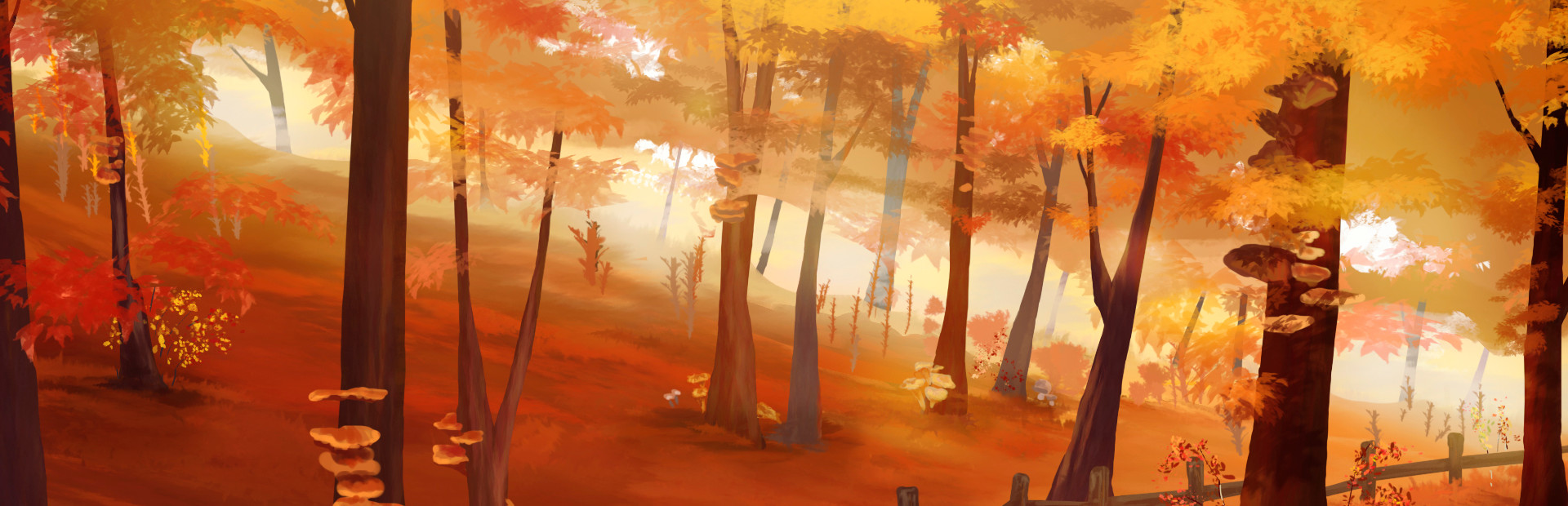
| Hide UI | Right Click / H | Hides text boxes to enjoy the full autumn scenic background art and character sprites. |
| Auto-Forward | A / Auto Button | Advances dialogue automatically according to your customized text-speed setting. |
3. How to Choose Moments & Sequence
Each Step is made up of modular vignettes known as Moments:
- Prologue: You must play the opening move-in sequence where you first meet Tamarack and Qiu.
- Free Choice: Once the prologue concludes, you can play through moments in virtually any order. You can alternate between outdoor hikes with Tamarack and baking tea parties with Qiu.
- Step Conclusion: When you have experienced your desired moments, choose the Step Conclusion to age up and move to the next life chapter.
Recommended Moment Count
4. Transferring Your Demo Save to Early Access
If you played the public demo on Steam or itch.io:
• Save files generated in recent demo builds are designed to carry directly forward into the official Early Access launch on November 27, 2026.
• On Steam, Steam Cloud will automatically synchronize your demo progress to the full game client.
• On Itch.io / PC standalone, save files reside in your system's %APPDATA%/RenPy/ourlifenowandforever folder.
Enjoying Our Life: Now & Forever? Wishlist the game on Steam or join the GB Patch Discord to connect with over 15,000 visual novel fans.
Fact-Checking & Sources: Content on this page is verified directly from official GB Patch Games public releases, Steam Store developer posts (App ID 1622130), and verified itch.io public builds. Notice an error or outdated choice tree? Submit an editorial correction.